Key takeaways
- Litematica does not exist for Bedrock, MCPE or consoles.
- “Litematica MCPE” downloads are fakes or unrelated add-ons.
- Bedrock players can use structure blocks or external editors.
The short answer
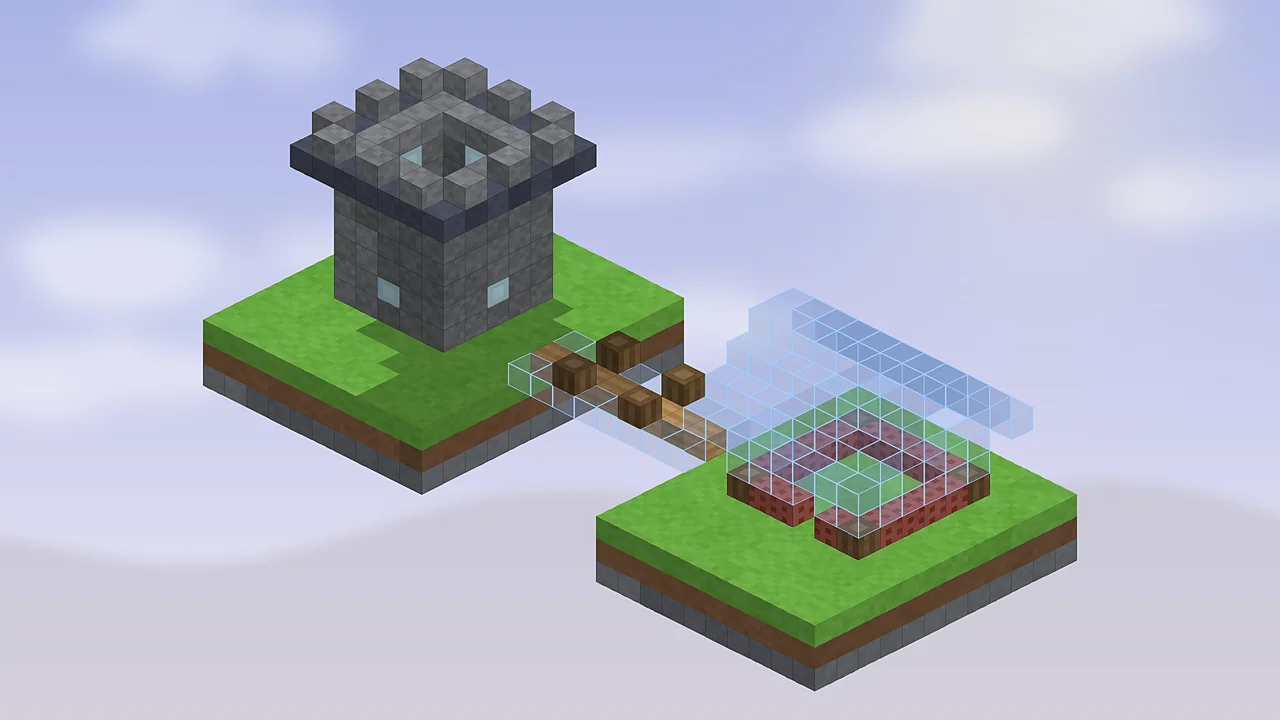
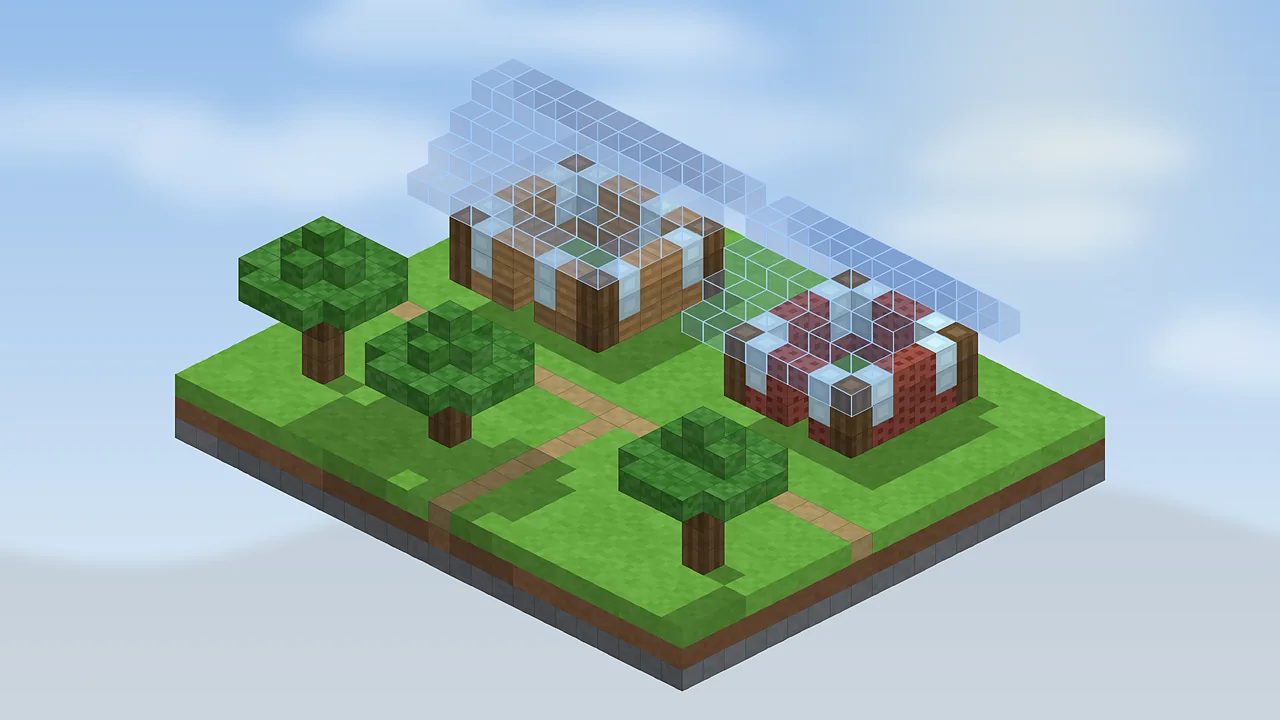
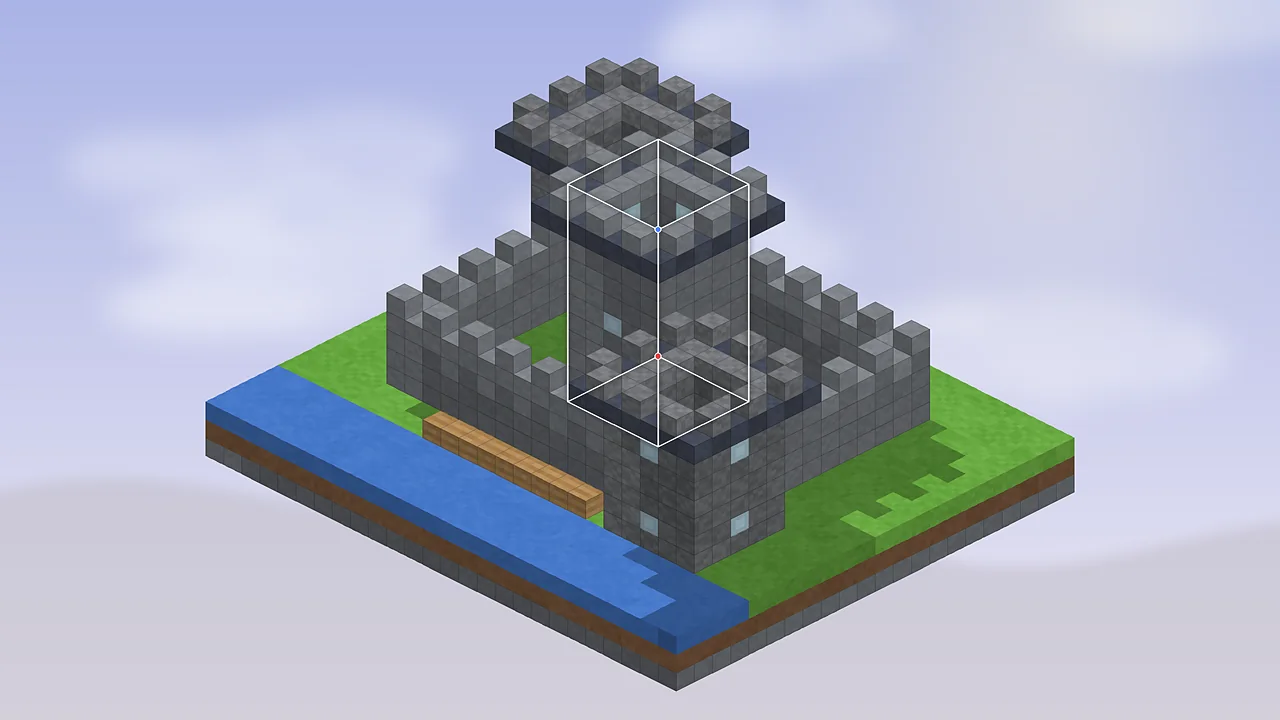
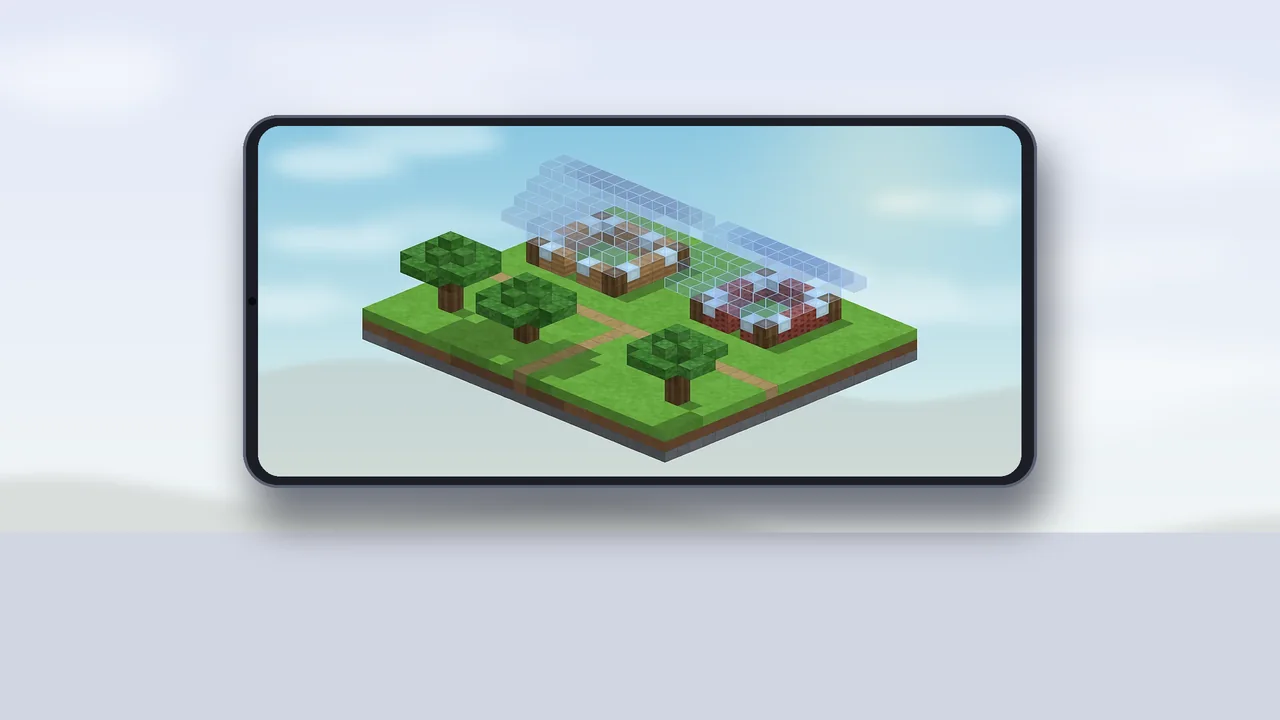
There is no Litematica for Minecraft Bedrock Edition, including Minecraft PE on phones, Windows Bedrock, Xbox, PlayStation and Switch. Litematica is a Java Edition mod, and it relies on how Java Edition runs mods. Any download claiming to be “Litematica mod mcpe” or “Litematica Bedrock” isn't the real project.
Why it's Java only
Java Edition mods like Litematica are Java code loaded by Fabric, which hooks into the game's own Java code. Bedrock is written in C++ and only allows add-ons made of behaviour packs, resource packs and scripts through Microsoft's official APIs. A client-side rendering tool that draws ghost blocks and reads your inventory the way Litematica does can't be loaded into Bedrock that way.
Avoid fake MCPE downloads
Search results for Litematica MCPE often lead to .mcpack or APK files that are either unrelated add-ons borrowing the name or, worse, modified apps. Warning signs include APK files, requests to disable security features, survey walls and missing author information. When in doubt, don't install it.
Bedrock alternatives
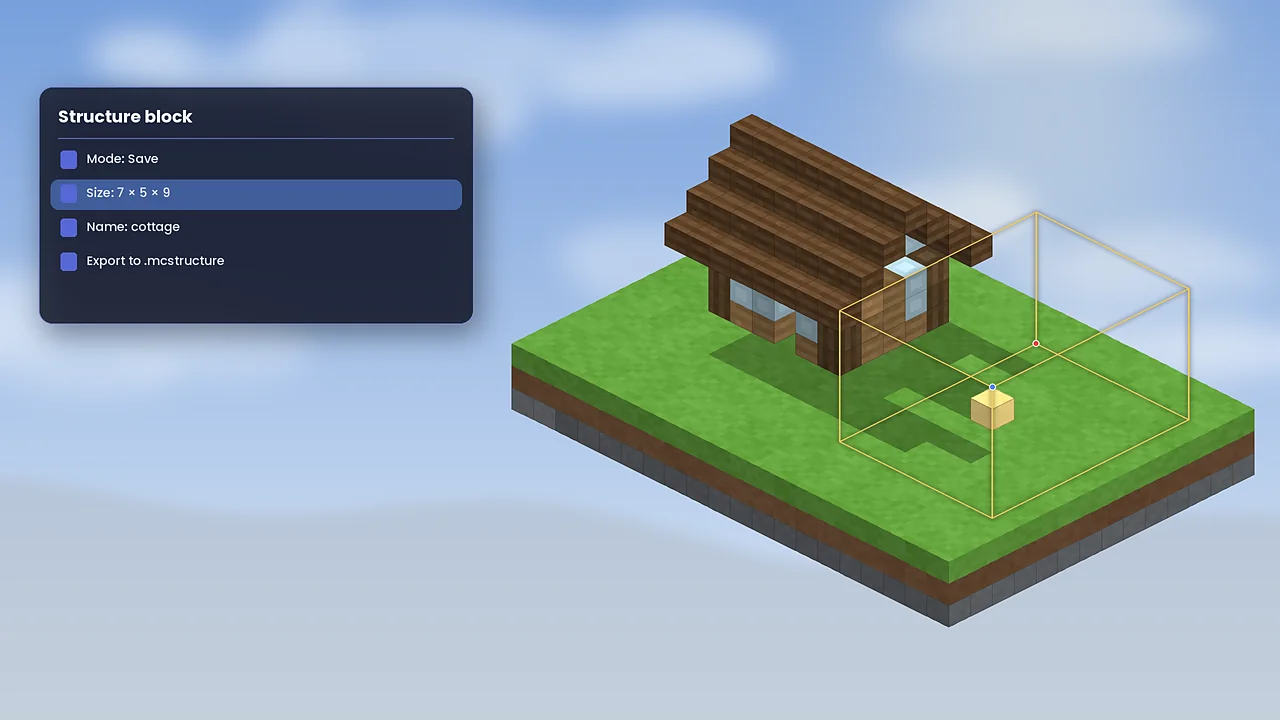
Structure blocks are built into Bedrock. In a world with cheats, you can save an area to a structure and load it elsewhere, and export it as an .mcstructure file to share. They don't show a guide overlay for survival, but they're reliable for copying builds. Some Marketplace and community add-ons offer blueprint-like features within Bedrock's rules; check reviews carefully.
External editors such as Amulet Editor can open Bedrock worlds on a computer, copy areas and even convert between Java and Bedrock formats. The game must be closed while you edit, and you should always back up first.
Java Edition on mobile
If you own Java Edition, community launchers let you play it on Android, and with more effort on iOS. Those launchers can run Fabric, so Litematica works there. Expect smaller performance headroom and plan to map keys to on-screen buttons. Our installation section has Android and iOS steps.
Which path fits you
Staying on Bedrock? Use structure blocks for copying and an external editor for bigger jobs. Want the full schematic experience? Java Edition with Litematica on Fabric is the way, and our FAQ answers more questions about editions.

Litematica Mod Editorial Team
Long-time Minecraft builders and technical players who test every guide in a clean Fabric install. About our team.