Holographic schematic overlay
Load a .litematic file and see every block of the design floating in your world as a translucent ghost, so you always know what goes where while building in survival.
FreePlan it, see it, build it block by block
Litematica Mod is a free Minecraft Java Edition mod that saves any build as a schematic and projects it into your world as see-through ghost blocks. Pick the Litematica Mod download for your version, add MaLiLib, and follow the plan layer by layer with a live material list.
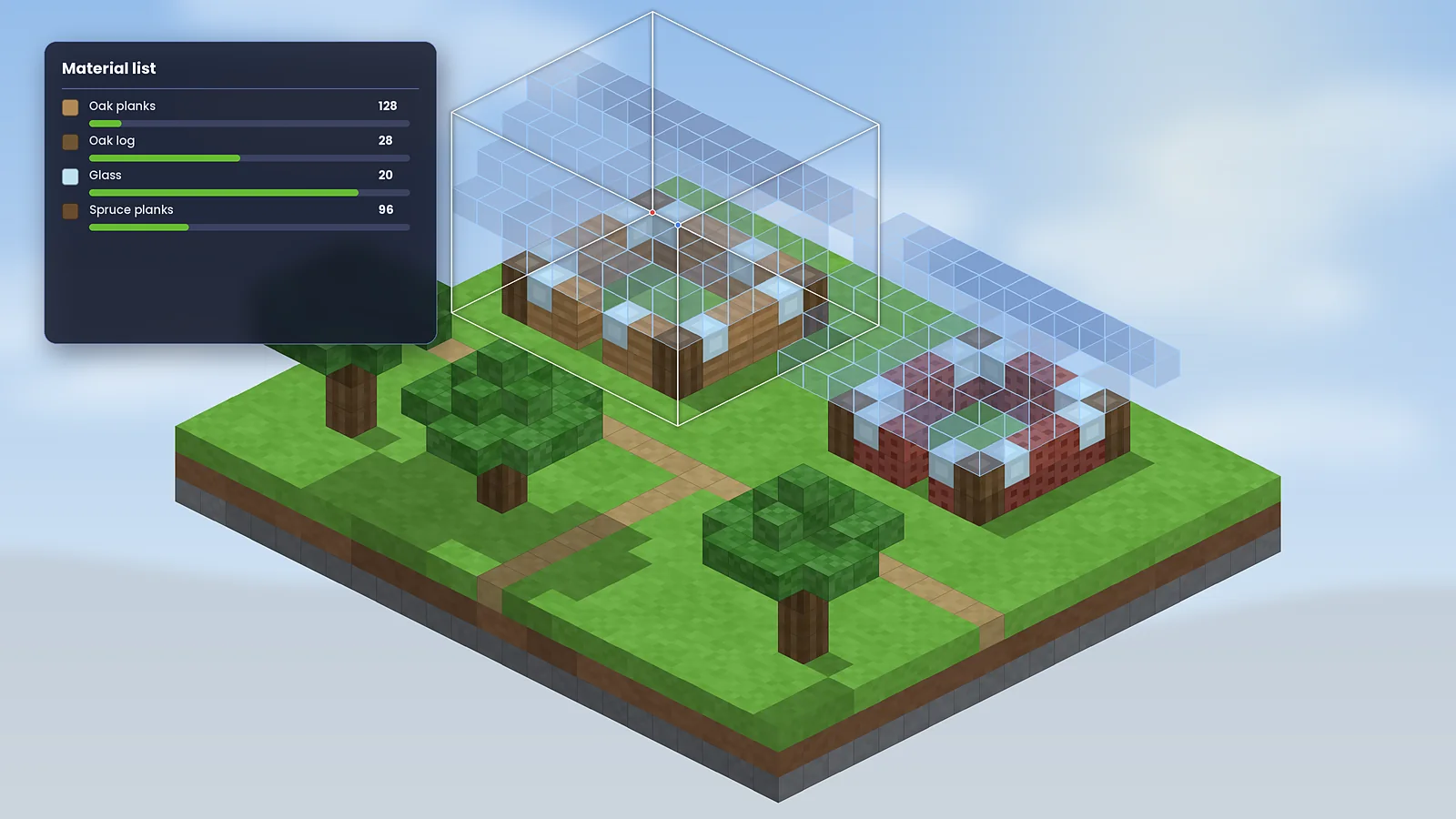
A client-side schematic mod for Minecraft Java Edition that turns any saved build into a guide you can follow inside your own world.
Litematica is a Minecraft mod created by the developer known as masa. It lets you select part of a world, save it as a .litematic schematic file and later load that file anywhere as a hologram. The hologram, usually called a ghost or overlay, shows exactly which block belongs in each position. You then place real blocks into the outline, either by hand or with helper features like Easy Place mode.
The mod runs on your own computer, which makes it a client-side mod. You can use it in singleplayer and, where rules allow, on multiplayer servers without the server installing anything.
Before Litematica, most players used Schematica, a Forge mod that stopped receiving updates after Minecraft 1.12.2. masa began Litematica around 2018, and the name blends LiteLoader, the mod loader it first targeted, with Schematica. As Minecraft moved on, Litematica moved to the Fabric Loader, which is where official builds live today, from 1.14 through the current 1.21.x releases. It shares a library, MaLiLib, with masa's other well-known mods such as Tweakeroo, MiniHUD and Item Scroller.
Large Minecraft builds are hard to reproduce by eye. Counting blocks from screenshots or videos leads to crooked walls, wrong stair rotations and wasted materials. Litematica was built to remove that guesswork: the plan sits in the world at full scale, the mod counts every material, and it checks your work as you go. It is equally useful for copying a creative-mode prototype into survival and for sharing designs with other players.
“For modern Java Edition, Litematica is the schematic tool to learn. The verifier and material list turn a weekend-long survival build into a methodical checklist. The menus look technical at first, but the payoff is enormous.”
Litematica Mod Editorial Team, tested on Fabric 1.21.xNine tools that turn a saved design into a build you can finish accurately, whether you play survival, creative or on a server.
Load a .litematic file and see every block of the design floating in your world as a translucent ghost, so you always know what goes where while building in survival.
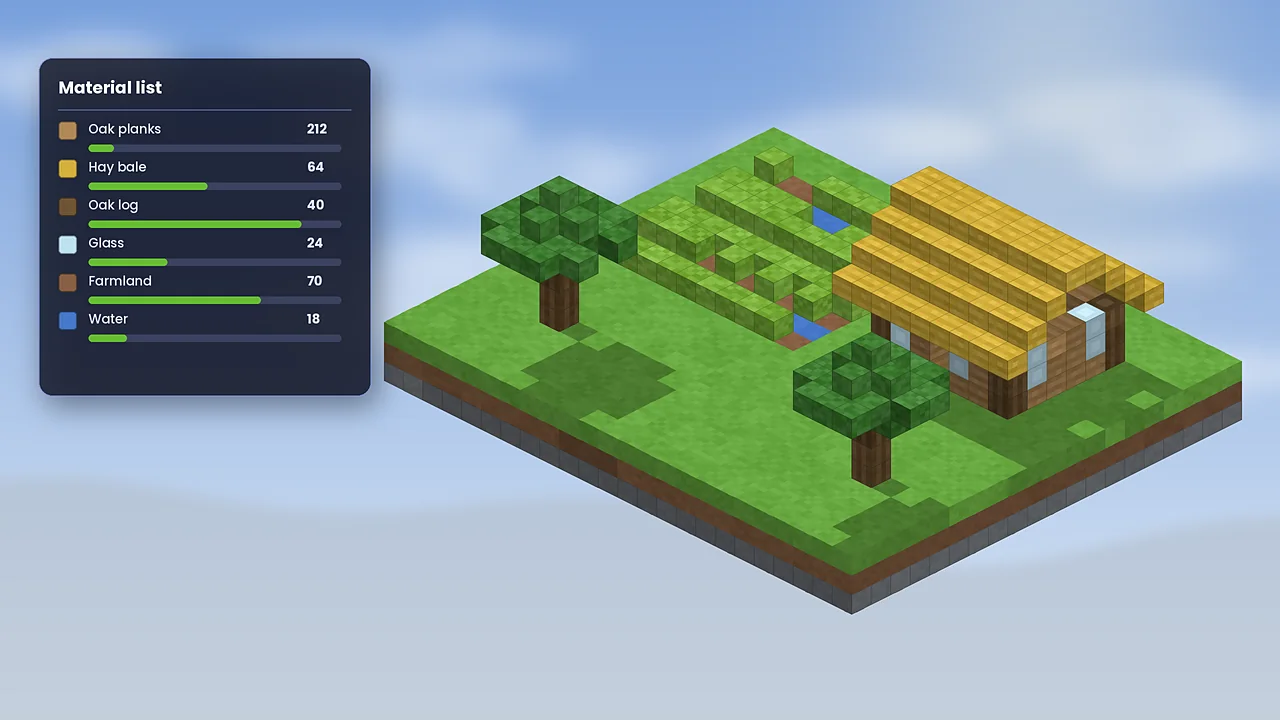
Get a full shopping list of blocks for any schematic, then pin it to your screen. Counts update as you gather items, so you stop over-mining and never run short.
Show one layer, a range or everything above a level. Building a complex floor becomes as clear as reading a printed blueprint.
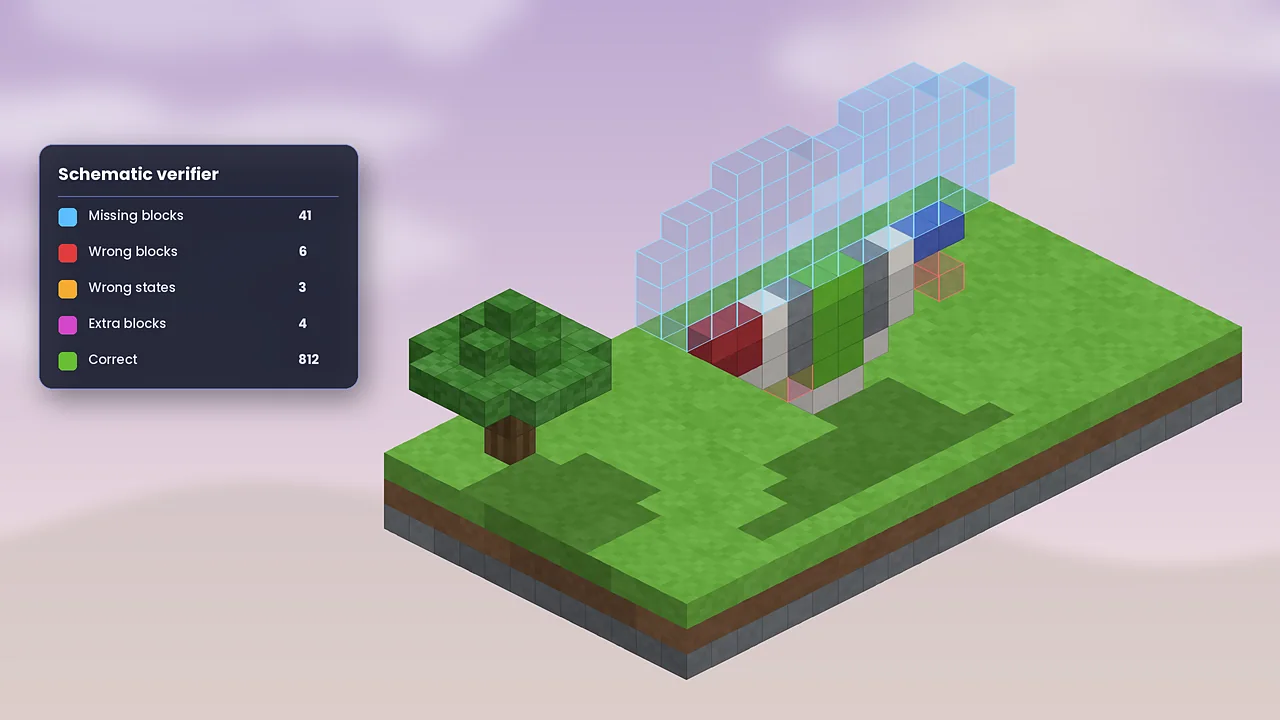
Scan your build against the plan. Missing, wrong, extra and wrongly-rotated blocks are highlighted in colour so mistakes get fixed early.
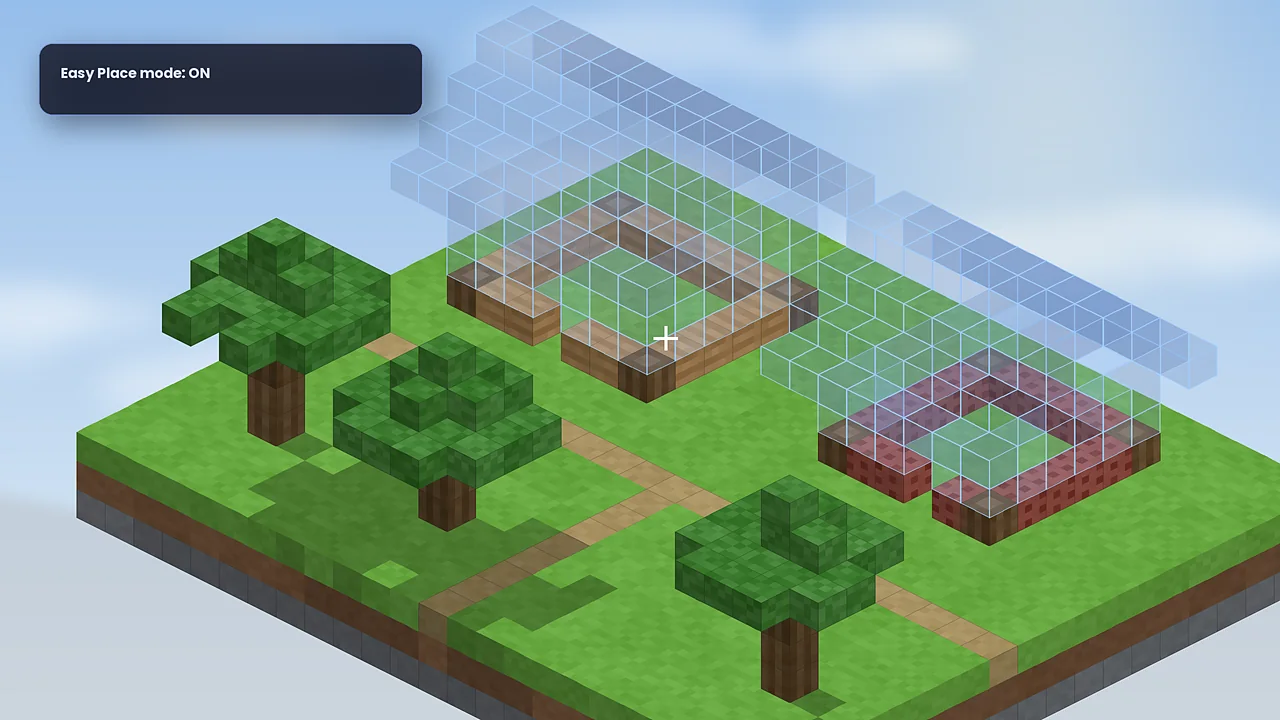
Right-click a ghost block holding the right item and it lands in the correct spot with the correct facing, including stairs and slabs.
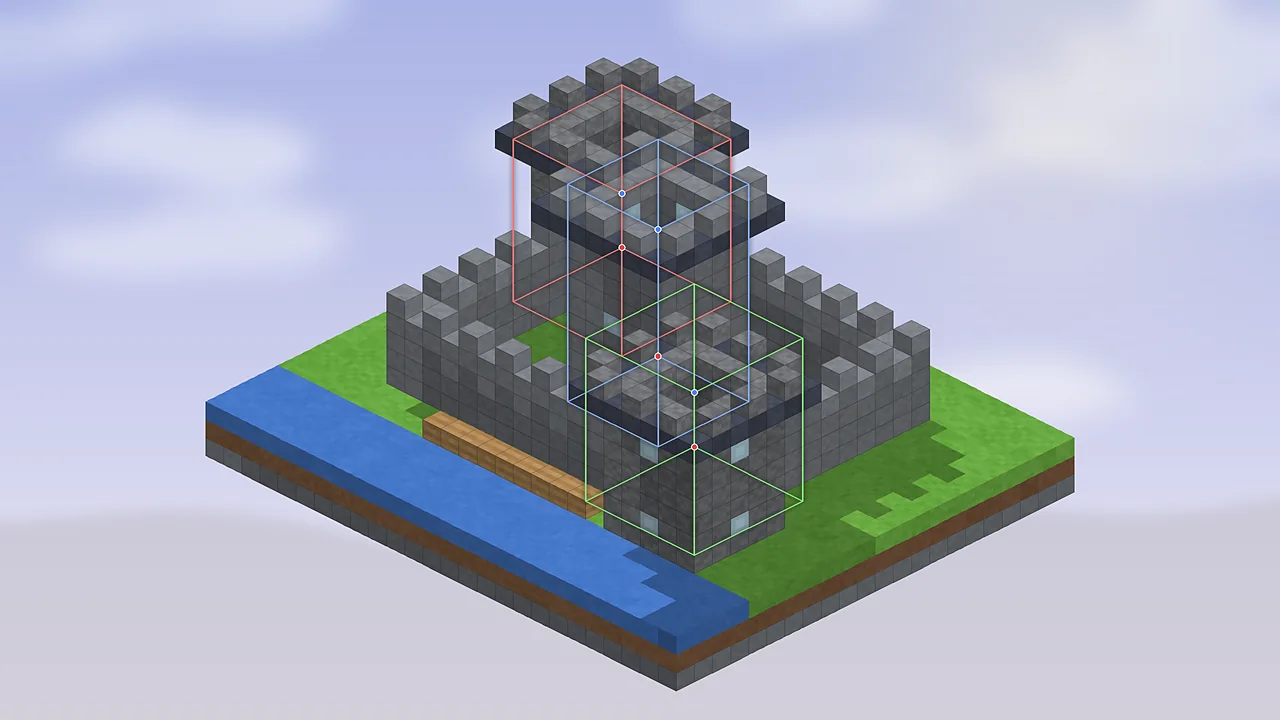
Select any shape by combining several sub-region boxes, then save it as one schematic. Awkward builds no longer need to be squeezed into a single cuboid.
Nudge a placement block by block, rotate it in 90° steps or mirror it, and adjust individual sub-regions without reloading the file.
Save as .litematic and load many older Schematica .schematic files, WorldEdit .schem files and vanilla structure .nbt files.
Fill, replace, delete and paste in creative or singleplayer, and keep versions of a big build with Schematic Projects.
Litematica is light. If your computer runs Minecraft Java Edition with Fabric, it runs Litematica. Very large schematics are the only thing that asks for more.
We don't rehost files. Every button below opens the official project page, so you always get the genuine, unmodified Litematica jar.

Pick the file that matches your exact Minecraft version.
Run one of these in the folder with the jar, then compare the result with the SHA-256 listed on Modrinth.
Windows:  certutil -hashfile litematica.jar SHA256
macOS:    shasum -a 256 litematica.jar
Linux: sha256sum litematica.jarInstalling takes about ten minutes. Choose your platform; the steps are the same idea everywhere: Fabric first, then Litematica and MaLiLib in the mods folder.
Download the official Fabric installer, run it, choose the Client tab and select the Minecraft version you play.
From Modrinth, download both jars built for that same Minecraft version.
Press Win + R, type %appdata%\.minecraft and press Enter. Create a folder named mods if it isn't there.
Move the Litematica and MaLiLib .jar files into mods. Don't unzip them.
Start the launcher, pick the Fabric installation, join a world and press M. The Litematica menu should open.
Download the Fabric installer .jar and open it. If macOS blocks it, right-click and choose Open.
Get Litematica and MaLiLib for the same game version from Modrinth.
In Finder press Cmd + Shift + G and go to ~/Library/Application Support/minecraft. Create a mods folder if needed.
Drag both .jar files into mods. Apple Silicon and Intel Macs use the same files.
Choose the Fabric installation in the launcher, join a world and press M.
Run java -jar fabric-installer.jar or use a launcher such as Prism Launcher that installs Fabric per instance.
Download Litematica and MaLiLib for your version, or add them from Prism's built-in Modrinth browser.
The official launcher uses ~/.minecraft/mods. Flatpak and Prism instances keep their own folders.
cp litematica*.jar malilib*.jar ~/.minecraft/mods/
Start the Fabric profile and press M in a world.
Litematica needs Java Edition. On Android, community launchers based on PojavLauncher, such as FoldCraftLauncher or Zalith Launcher, run it with your Microsoft account.
Inside the launcher, install Fabric for your chosen Minecraft version.
Use the launcher's mod manager or copy Litematica and MaLiLib into the instance's mods folder.
Touch controls have no keyboard, so map M to an on-screen button, or use a Bluetooth keyboard.
Phones have less memory. Lower render distance and use the layer view to keep things smooth.
iOS has no official Java Edition. The community launcher Amethyst (formerly PojavLauncher for iOS) can run it, but it needs sideloading and JIT support.
Inside the launcher, create a Fabric profile for your Minecraft version.
Use the Files app to copy Litematica and MaLiLib into the launcher's mods folder.
Map M and scroll actions to on-screen buttons, or pair a keyboard and mouse.
Performance varies by device. Treat iOS as experimental and keep backups of your schematics.
Start with the beginner path to load your first schematic, then pick up the advanced tools once the basics feel natural.
.litematic file in your schematics folder.Habits experienced builders rely on.
Place one corner block before anything else, then align the placement to it. Everything after that lines up.
Set render layers to a single level. Fewer ghost blocks means fewer misclicks and higher frame rates.
Once aligned, lock the placement so an accidental keypress can't nudge your ghost out of place.
Run the verifier after each session so orientation mistakes don't hide under later layers.
Use names like castle_gate_v2. The browser sorts alphabetically, and future you will be grateful.
Copy it to cloud storage now and then. A reinstall shouldn't cost you a library of builds.
Default bindings in recent versions. Change them any time in the Hotkeys tab (M + C).
| Shortcut | What it does |
|---|---|
| M | Open the Litematica main menu |
| M + C | Open the configuration and hotkey settings |
| M + R | Toggle all Litematica rendering on or off |
| Ctrl + scroll | Cycle tool modes while holding the tool item |
| Alt + scroll | Nudge the selected box or placement one block |
| Page Up / Page Down | Move the rendered layer up or down |
Want a deeper walkthrough? Read the full Litematica user guide or the step-by-step beginner tutorial.
Five stages take a build from idea to finished blocks. Each one feeds the next, which is why the workflow feels so methodical.
Mark the area with one or more boxes using the tool item.
Litematica stores every block and its state in a compact .litematic file.
Load the file and position the ghost copy anywhere, rotated or mirrored.
Follow the overlay layer by layer, guided by the material list.
Compare world and plan; the verifier flags every mismatch.
Where Litematica runs, what it works with, and where you'll need an alternative.
| Category | Supported | Notes |
|---|---|---|
| Operating systems | Windows 10/11 macOS Linux | Anywhere Java Edition runs. Android and iOS through community launchers. |
| Browsers | Any modern browser | Only used to download the jar from Modrinth, CurseForge or GitHub. |
| Devices | Desktop Laptop Phone/tablet | Mobile needs a Java launcher and custom controls. |
| Game edition | Java Edition Not Bedrock | No Bedrock, MCPE or console version exists. |
| Mod loaders | Fabric Quilt Forge/NeoForge ports | Official builds are Fabric. See our Forge and NeoForge guide. |
| Game versions | 1.14 to 1.21.x | Historic builds exist for 1.12.2. Newest versions arrive after each update. |
| Integrations | MaLiLib Tweakeroo MiniHUD Syncmatica | Syncmatica shares placements on servers. Sodium generally works on recent versions. |
| File formats | .litematic .schematic .schem .nbt | Saves as .litematic; opens many older formats. |
An honest look after long-term use on survival worlds and servers.
Verdict: If you build anything bigger than a starter house on Java Edition, Litematica is worth the half hour it takes to learn. Nothing else combines an overlay, a verifier and a material list this well.
DownloadThe same core tools serve very different goals. Here's how six kinds of players put it to work.
Recreate real buildings to scale for school projects, and save each stage as its own schematic to show progress.
Turn creative-mode designs into survival builds with a material list and a guide that sits right in the world.
Mod and datapack authors capture test structures and reset test areas quickly with paste tools.
Server networks and build teams share spawn hubs and event maps as files instead of manual rebuilds.
Technical players document farm designs precisely, so rates and mechanics can be reproduced by others.
Offer schematic downloads alongside tutorials so viewers can follow block by block.
The main Litematica tools, shown as illustrative renders. Select any image to enlarge it.
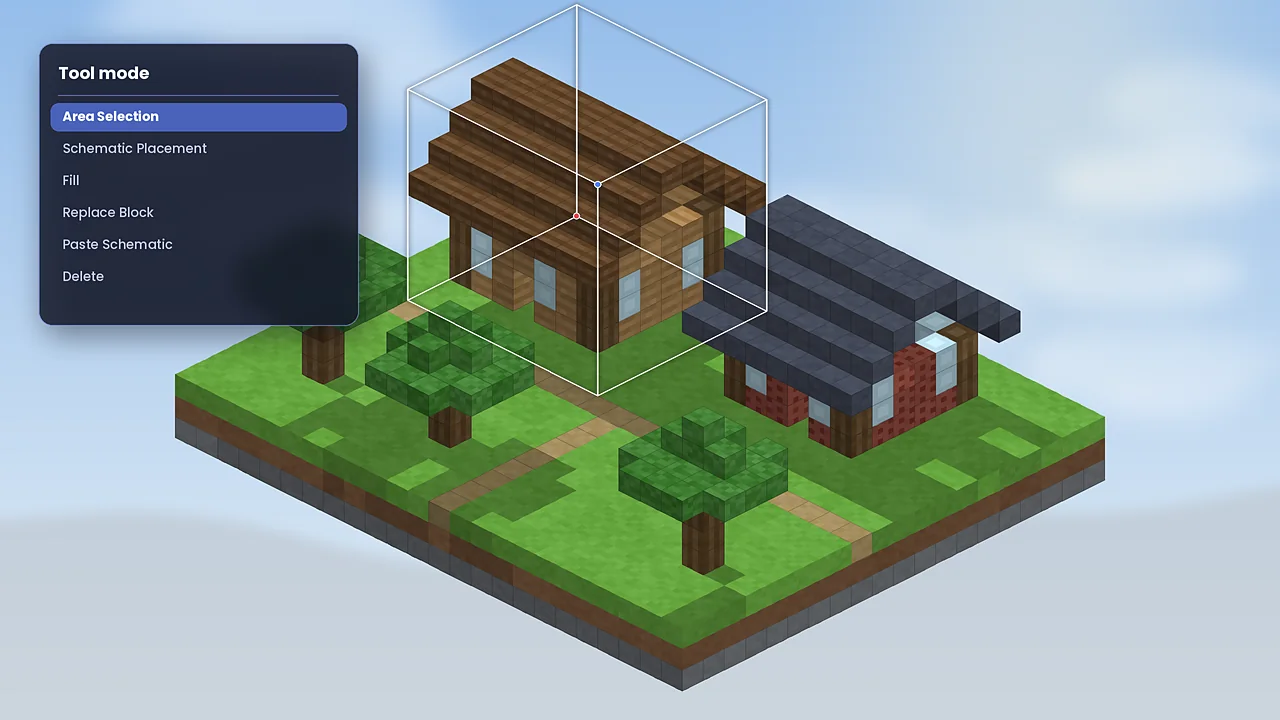
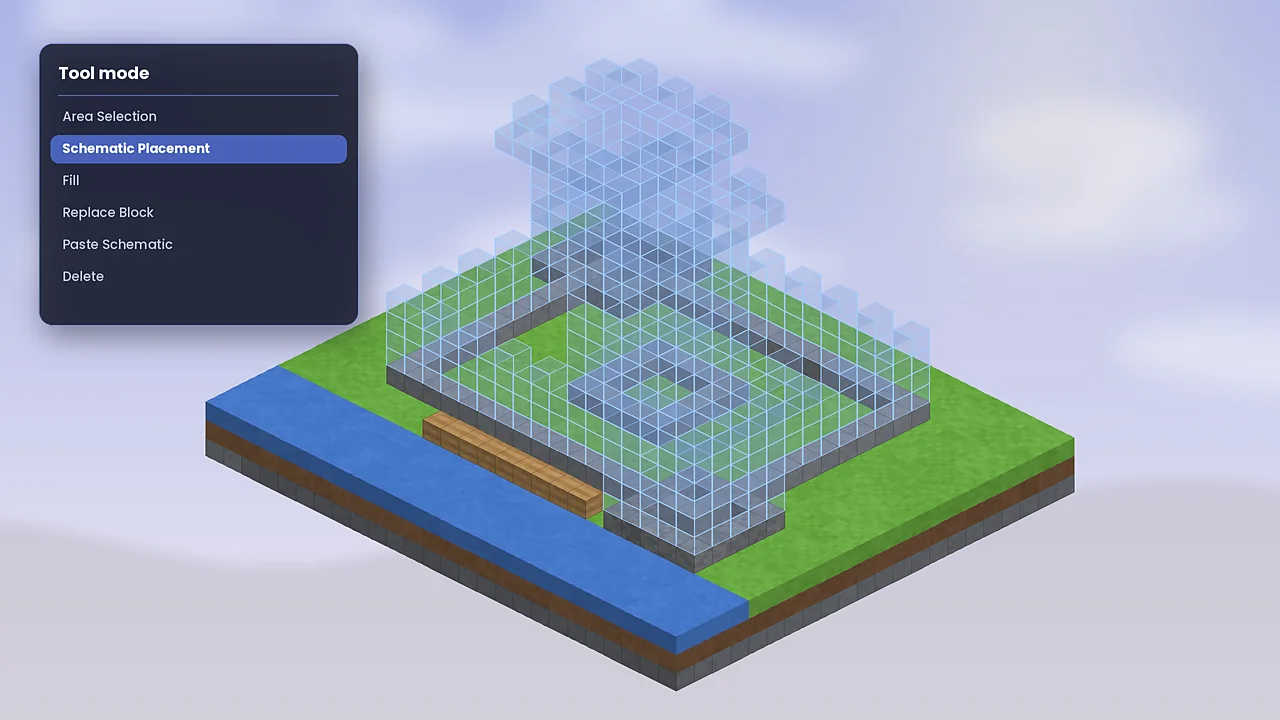
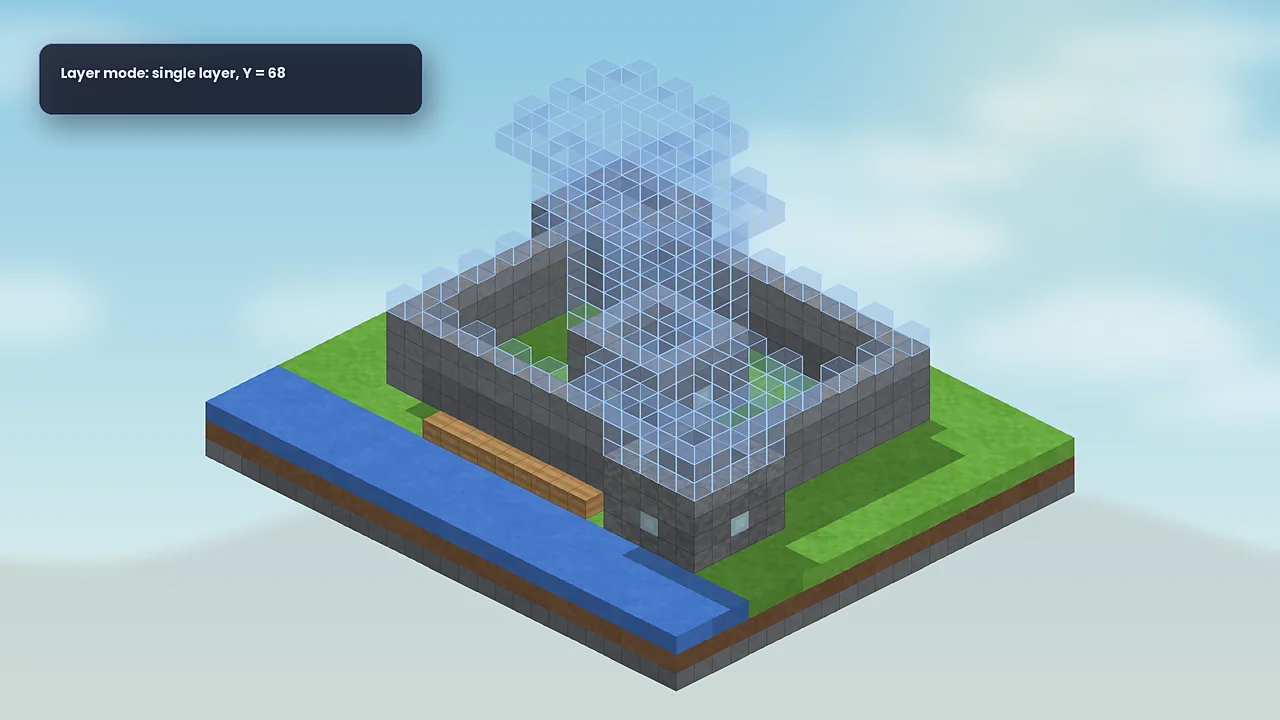
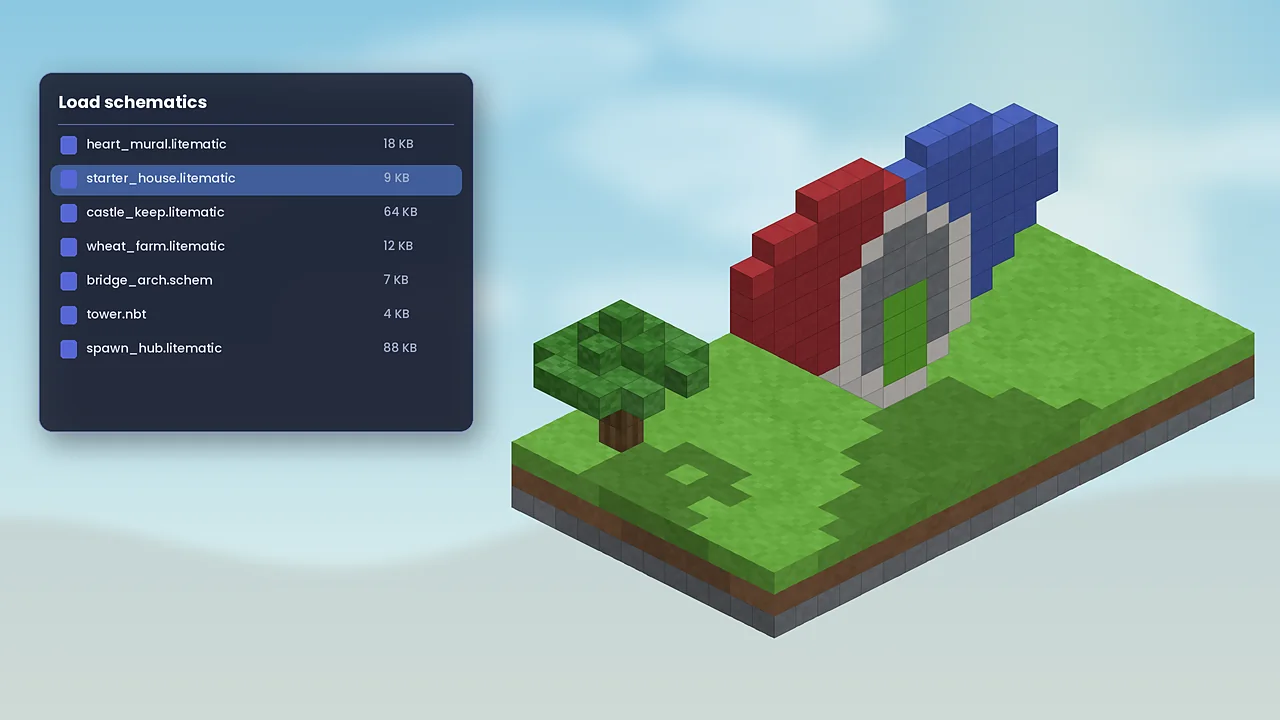
Most problems come from version mismatches. Start with the error that matches what you see.
MaLiLib is missing or built for another version. Download MaLiLib for the same Minecraft version as Litematica and put it in the same mods folder.
Check for duplicate jars, outdated Fabric Loader or a build for the wrong game version. The first ERROR line in logs/latest.log names the cause.
You may be in the vanilla profile, or another mod uses M. Open Options, Controls, Key Binds and look for conflicts, or rebind the menu key.
Loading a file doesn't always create a placement. Open Loaded Schematics and create one, then toggle rendering with M + R.
Some shader packs don't render translucent overlays well. Turn shaders off while building, or try a lighter pack.
More fixes, with log examples, are in our Litematica troubleshooting guide.
Litematica is safe when you download it from official sources. Here's what the mod does, and doesn't, touch.
Yes. Litematica is open source under the LGPL v3, so its code is public and reviewed by the community. The real risk is fake reuploads: files named “Litematica installer.exe”, bundled launchers, or sites demanding surveys. A genuine download is always a .jar from Modrinth, CurseForge or GitHub. Scan it with your antivirus and compare the SHA-256 hash if you like extra certainty.
Runs inside Minecraft with the same access as any Fabric mod. It reads and writes its config and schematics folders.
No account, and we're not aware of telemetry. Schematics stay on your drive unless you share them.
Open source code, versioned releases and file hashes on Modrinth let you confirm you have the real build.
This site uses minimal cookies and never sells data. Read the Privacy Policy and Cookie Policy.
Litematica isn't the only way to copy builds. Here's how it compares with the tools players most often weigh it against.
| Software | Price | License | OS / edition | Main features | Our rating | Pros | Cons |
|---|---|---|---|---|---|---|---|
| Litematica | Free | LGPL v3 | Java; Win, Mac, Linux | Overlay, verifier, material list, Easy Place | 4.8 | Most complete for survival | Learning curve |
| Schematica | Free | Open source | Java 1.12.2 and older | Hologram, printer | 3.8 | Simple, familiar | No modern versions |
| WorldEdit | Free | GPL v3 | Java; Fabric, Forge, servers | Commands to copy, fill, paste | 4.6 | Fast bulk edits | Needs creative or permissions |
| Axiom | Free | Proprietary | Java; Fabric | Visual editor, sculpting tools | 4.4 | Powerful in creative | Not for survival guidance |
| Structure blocks | Free | Built in | Java and Bedrock | Save and load structures | 3.6 | No mods needed | Size limits, no overlay |
| Amulet Editor | Free | Source available | Windows, Mac, Linux | External world editor | 4.0 | Edits Java and Bedrock worlds | Game must be closed |
Ratings are our editorial scores. Licences and features change, so check each project's page before deciding. For a deeper comparison, see the FAQ answers on Schematica and WorldEdit.
Feedback from different kinds of Minecraft players about how Litematica fits into the way they build.
The material list alone saves me hours. I load a design, pin the list to my HUD and gather exactly what I need. The layer view makes floors with patterned tiles far less stressful.
I copy flying machines and farms from singleplayer into survival with the verifier running. One wrongly-rotated observer used to cost me an evening; now it lights up in orange immediately.
For build tutorials it's perfect: viewers download my .litematic file and follow along block by block. Setup is a few minutes once people understand Fabric and MaLiLib.
Our server allows Litematica but not printer add-ons, and that balance works. The only friction is new players grabbing the wrong MaLiLib version, which we now cover in our rules.
I used it for a school architecture project, recreating a building to scale. Sub-regions let me save the tower and the hall separately, then combine them into one schematic.
There is a learning curve, and the menus look technical at first. After watching one guide and learning Ctrl + scroll for tool modes, it clicked. Worth the half hour.
Short answers to what players ask most about downloading, installing, licensing and running Litematica.
Download Litematica only from its official listings: the Modrinth project page, the CurseForge project page or masa's GitHub releases. These are the pages the developer publishes to. Avoid repackaged “installer” files, .exe downloads and sites that ask you to disable antivirus. A genuine Litematica download is always a small .jar file that you place in your mods folder, never an executable.
Litematica needs Minecraft Java Edition, the Fabric Loader for your exact game version, and the MaLiLib library mod built for that same version. MaLiLib is masa's shared code library and Litematica will refuse to load without it. Check the dependency list on the Modrinth version page before you download, because a specific build may list extra requirements.
Usually the game was launched with the vanilla profile instead of the Fabric profile, or one of the jars is for a different Minecraft version. Open the launcher, pick the Fabric installation, and confirm that both Litematica and MaLiLib match your game version exactly. Once loaded, press M in a world to open the Litematica main menu.
Litematica reads and saves files in a folder called schematics inside your game directory. On Windows that is %appdata%\.minecraft\schematics, on macOS ~/Library/Application Support/minecraft/schematics and on Linux ~/.minecraft/schematics. Launchers such as Prism or the Modrinth App keep a separate game directory per instance, so look inside the instance folder instead.
Yes, when it comes from an official source. Litematica is open source, so its code is publicly visible, and it has been used by builders for years. The risk comes from reuploads on unofficial sites that may bundle malware. Download from Modrinth, CurseForge or GitHub, and compare the file's SHA-256 hash with the one on Modrinth if you want extra assurance.
Litematica is completely free. It is released as open-source software under the GNU LGPL v3 licence, so you can download, use and share it at no cost. You never need to pay for a copy or unlock “premium” features. If a website asks for payment or a survey before you can download Litematica, leave that site.
Litematica itself is a client-side building helper and is allowed on most servers, but every server sets its own rules. Some restrict Easy Place mode or ban automated “printer” add-ons because they place blocks for you. Read the server's rules or ask a moderator before joining with it. In singleplayer there is nothing to be banned from.
Litematica has no account system and works fully offline in singleplayer. We are not aware of any telemetry in the mod, and because the source code is public, anyone can inspect what it does. Your schematics stay on your own drive unless you choose to share them. This website's own data practices are covered in our Privacy Policy.
Delete the old Litematica and MaLiLib jars from your mods folder, then download the newest builds for your Minecraft version and drop them in. Your settings and schematics are stored separately, so they carry over. If you use the Modrinth App or Prism Launcher, their built-in update buttons handle the whole process, including matching the MaLiLib version for you.
The most common cause is a version mismatch: a Litematica or MaLiLib build meant for a different Minecraft or Fabric Loader version. Another cause is two copies of the same mod in the mods folder. Open logs/latest.log, search for the first ERROR line, and it will usually name the missing or incompatible mod. Our troubleshooting guide lists the fixes.
Rendering may be switched off. Press M + R to toggle all Litematica rendering, and check the Render Layers setting, which may be limited to a single layer. Also confirm the schematic is actually placed: open Schematic Placements from the main menu. Shader packs and some rendering mods can hide ghost blocks, so test once with shaders disabled.
On recent Minecraft versions, Litematica and Sodium generally run together, and many players use both. Compatibility can break briefly after a big Sodium or Minecraft update, so match versions carefully and read each mod's changelog. If ghost blocks disappear or flicker after an update, test without Sodium to confirm the cause, then wait for fixed builds.
No. Litematica is a Java Edition mod and does not run on Bedrock, Minecraft PE or console editions. Sites offering a Litematica “mcpe” or “Bedrock” download are not distributing the real mod. On Bedrock, structure blocks and third-party add-ons offer partial alternatives. Android and iOS users can run Java Edition with community launchers, which does support Litematica.
Official modern Litematica builds target Fabric. For some versions, community-made ports for Forge or NeoForge exist, and older Minecraft 1.12.2 had Forge builds. Ports can lag behind or differ in features, so check the port's page for your exact version. Many Forge players instead run a separate Fabric instance just for building.
Schematica pioneered holographic schematics but stopped being updated after Minecraft 1.12.2. Litematica covers the same ground for modern versions and adds multiple selection boxes, a schematic verifier, layer rendering and a material list. For any game version released after 2018, Litematica is the practical choice. Litematica can also open many older .schematic files.
WorldEdit edits the world directly with commands, such as filling or copying regions, and is popular on servers. Litematica is mainly a client-side guide that shows a ghost copy of a build so you can place blocks by hand, plus creative-mode paste tools. Many builders use both: WorldEdit for bulk terraforming, Litematica for planning and survival builds.
Hands-on tutorials and fixes, written and tested on current Fabric builds.
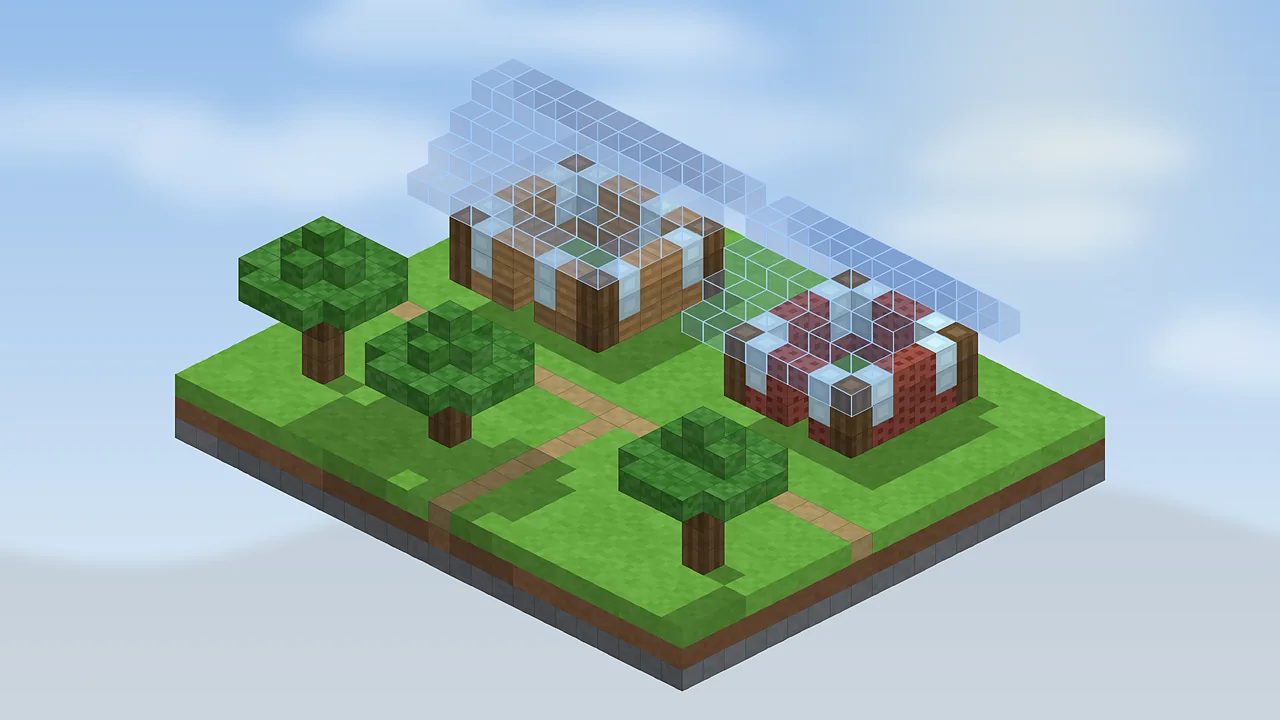
Fabric Loader, the right MaLiLib build and the mods folder: a clean install on Windows, macOS and Linux in about ten minutes.
Read the guide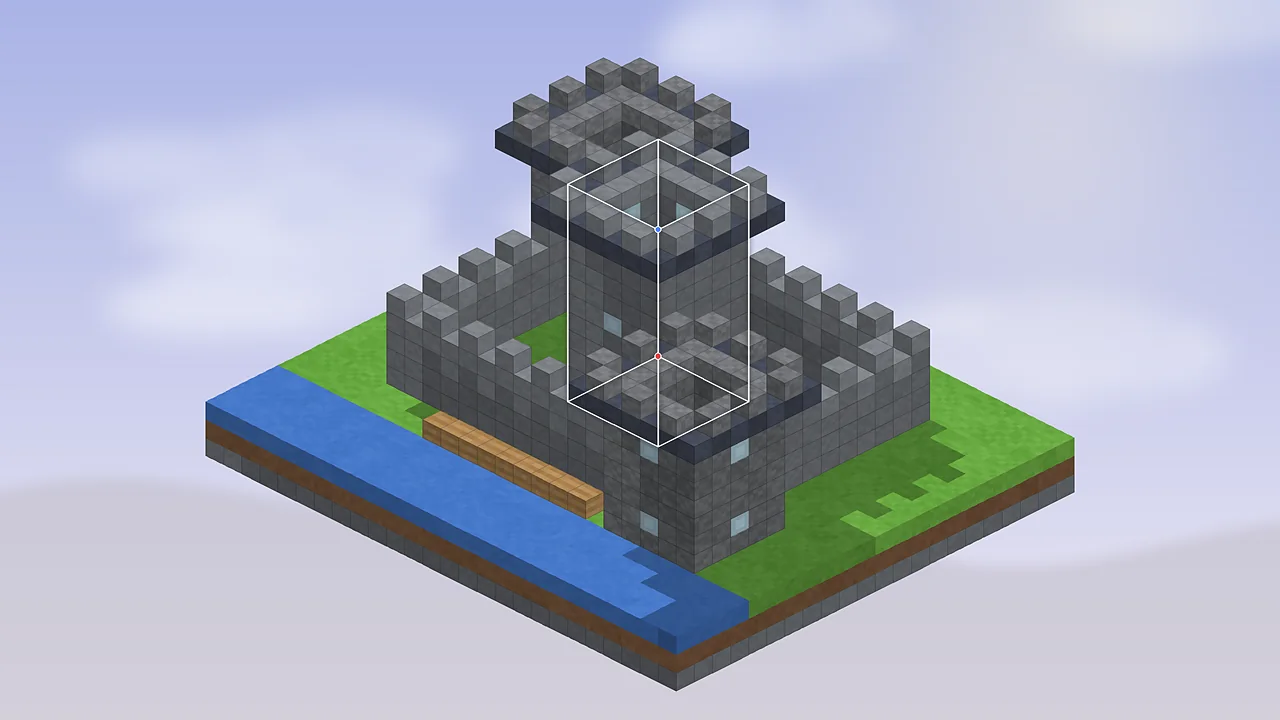
Tool modes, area selection, saving and loading: the first hour with Litematica, explained in plain steps.
Read the guide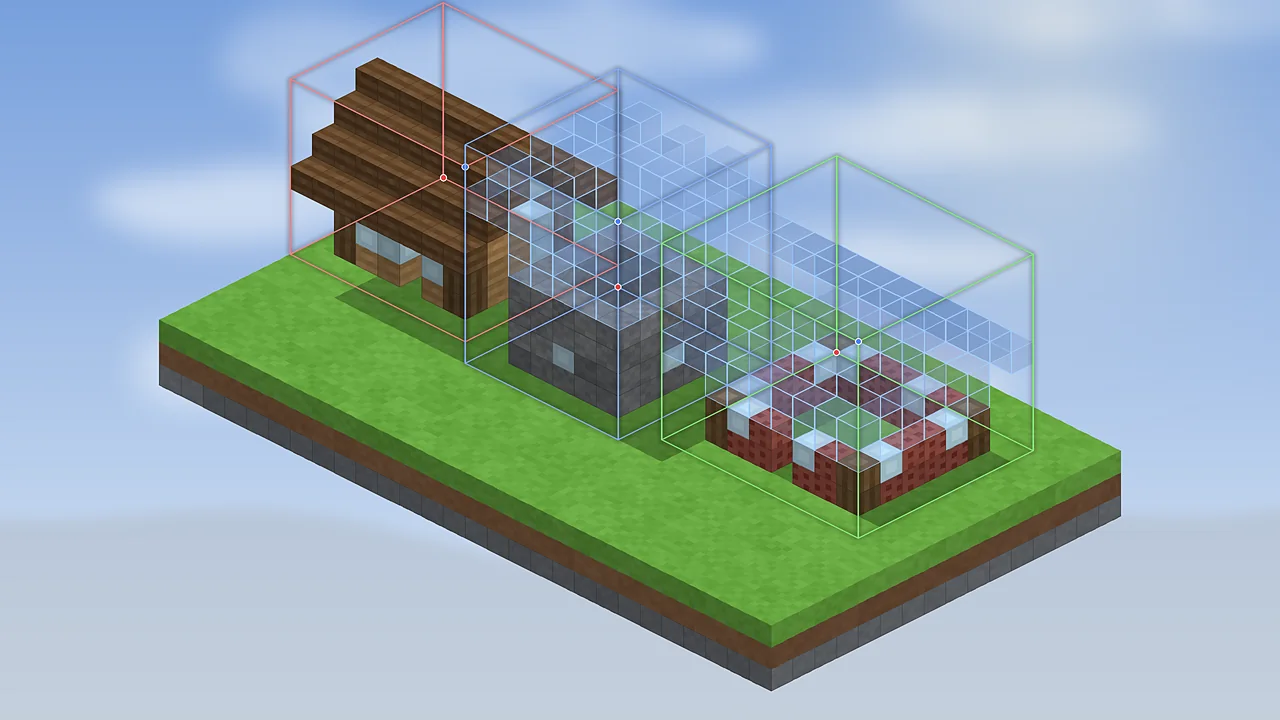
The .litematic format, sub-regions, older formats Litematica can open, and how to share builds with friends.
Read the guide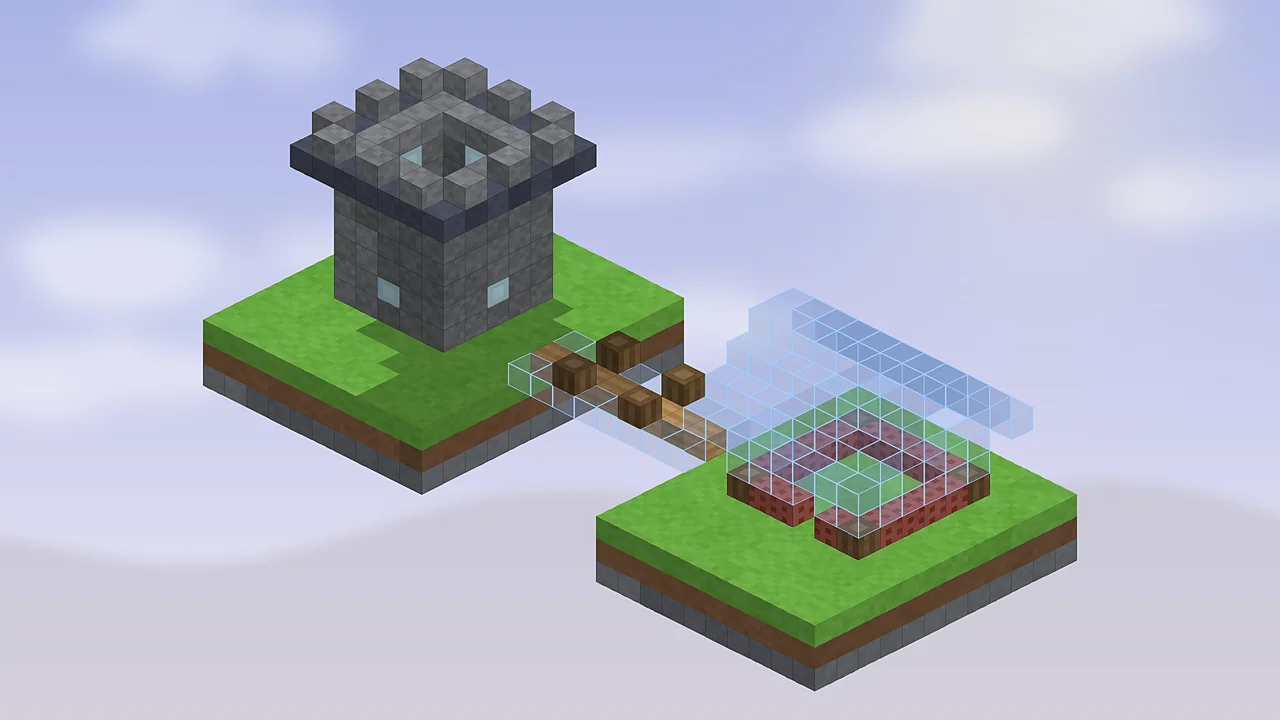
Official builds are Fabric-only. Here's where community ports fit in, and the setup most Forge players end up using.
Read the guide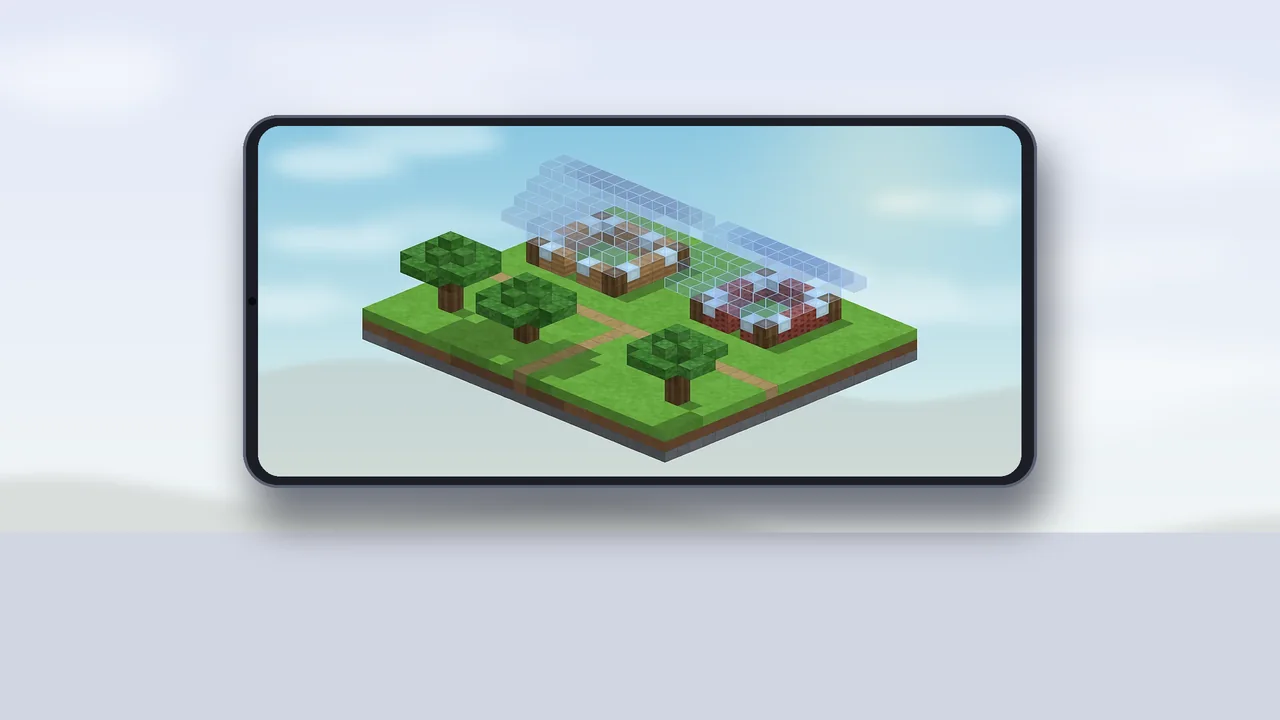
Why Litematica only runs on Java Edition, how to spot fake MCPE downloads, and what Bedrock players can use instead.
Read the guideQuestions about this site, a broken link or a guide request? Write to us and we'll reply within two working days.
Get the official Litematica Mod download, add MaLiLib and load your first schematic in about ten minutes.