Key takeaways
- Litematica needs Fabric Loader and MaLiLib for the same Minecraft version.
- Put both .jar files in the mods folder without unzipping them.
- Press M in a world to confirm the install worked.
What you need
Installing Litematica takes about ten minutes. Before you start, make sure you have a paid copy of Minecraft Java Edition, the official launcher (or a third-party launcher like Prism) and a note of the exact game version you want to play, such as 1.21.11. Version numbers matter more than anything else in this guide, because Litematica and its library must match the game exactly.
You'll download three things: the Fabric Loader installer, the Litematica jar and the MaLiLib jar. MaLiLib is a shared library written by masa, Litematica's developer, and Litematica will not start without it.
Install Fabric Loader
Fabric is the mod loader Litematica is built for. Go to the official Fabric installer page and download the installer for your system. Run it, stay on the Client tab, choose your Minecraft version and the latest loader version, then click Install. A new installation called something like “fabric-loader-1.21.11” appears in the Minecraft Launcher.
Launch that profile once and close the game. This creates the folders Fabric needs, including mods.
Download Litematica and MaLiLib
Open the Litematica page on Modrinth, filter the versions list by your Minecraft version and the Fabric loader, and download the newest file. Do the same on the MaLiLib page. If you prefer CurseForge, the same files are published there too.
Add the jars to your mods folder
Open your game directory. On Windows press Win + R and enter %appdata%\.minecraft. On macOS it's ~/Library/Application Support/minecraft, and on Linux ~/.minecraft. Open the mods folder and drop both jars inside. Leave them zipped; Fabric reads them directly.
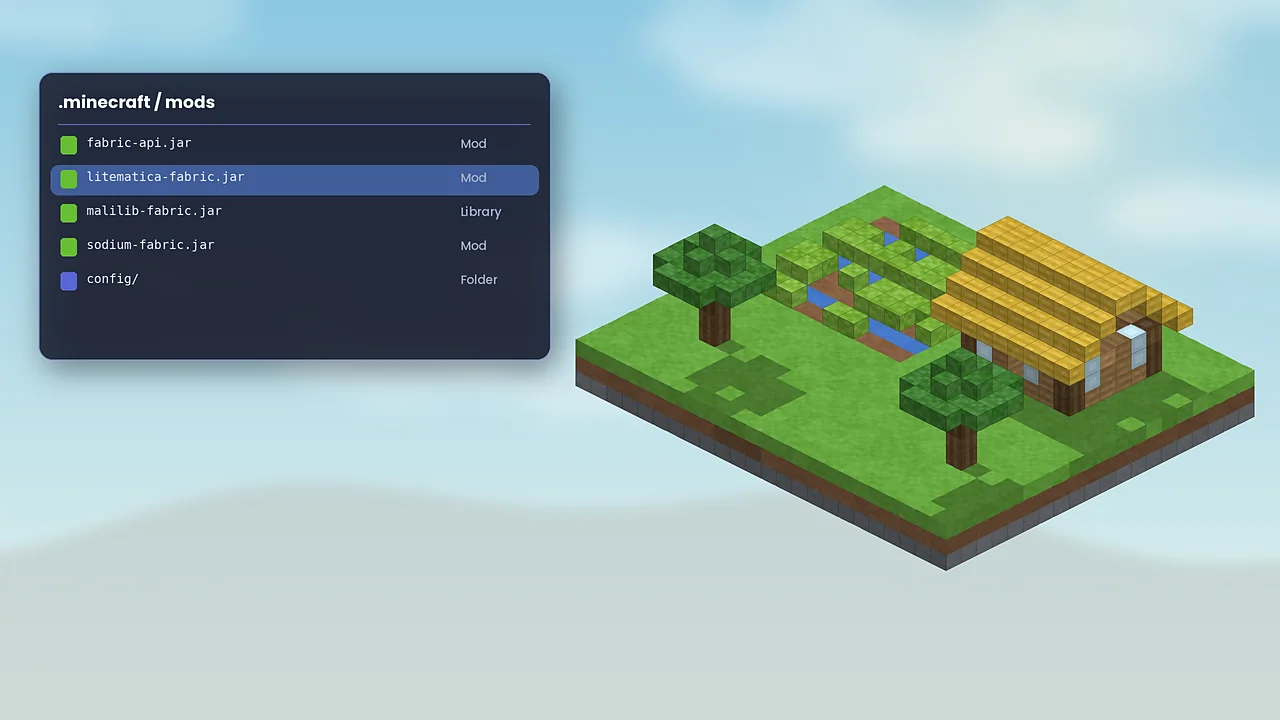
If other mods already sit in the folder, check none of them is an older Litematica or MaLiLib. Two copies of the same mod is a common cause of crashes.
Using Prism or the Modrinth App
Third-party launchers make this even easier. In Prism Launcher, create a new instance, choose Fabric as the loader, then use Mods, Download mods to search for Litematica. Prism offers to add MaLiLib automatically. The Modrinth App works the same way. Each instance has its own mods and schematics folder, so remember where your files live.
Check that it works
Start the Fabric profile, open a world and press M. If the Litematica main menu appears, you're done. If nothing happens, confirm you launched the Fabric profile and that both jars match your version. Our troubleshooting guide covers the common errors, and the beginner tutorial shows what to do next.

Litematica Mod Editorial Team
Long-time Minecraft builders and technical players who test every guide in a clean Fabric install. About our team.