Key takeaways
- The first ERROR in logs/latest.log usually names the cause.
- Version mismatches cause most failures.
- Rendering toggles and layer settings explain most invisible schematics.
Read the log first
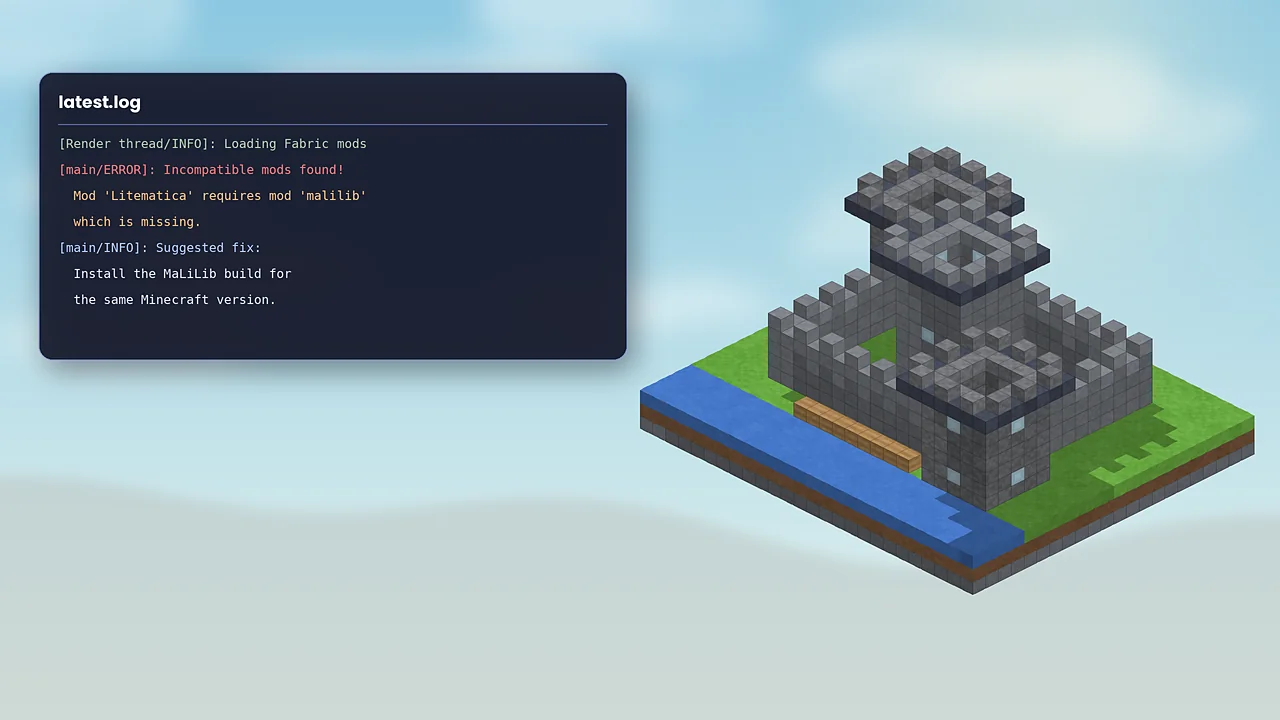
When something goes wrong, Minecraft usually tells you why. Open your game directory, then logs/latest.log, and search for the first line containing ERROR. Fabric's dependency messages are especially clear, naming the mod that's missing or the version it needs. If the game crashed outright, look in the crash-reports folder too.
Missing MaLiLib
The message “Mod 'Litematica' requires mod 'malilib'” means MaLiLib isn't installed or is the wrong version. Download MaLiLib for the same Minecraft version from its official page and put it in the same mods folder. If you already have it, check its file name; a 1.21.4 MaLiLib won't satisfy a 1.21.11 Litematica.
Crashes on launch
- Duplicate jars: two Litematica or MaLiLib files in
mods. Keep only the newest matching pair. - Outdated Fabric Loader: rerun the Fabric installer with the latest loader.
- Wrong game version: the jar targets another release. Re-download for your version.
- Conflicting mods: remove other mods temporarily, then add them back in small groups to find the conflict.
Schematic not visible
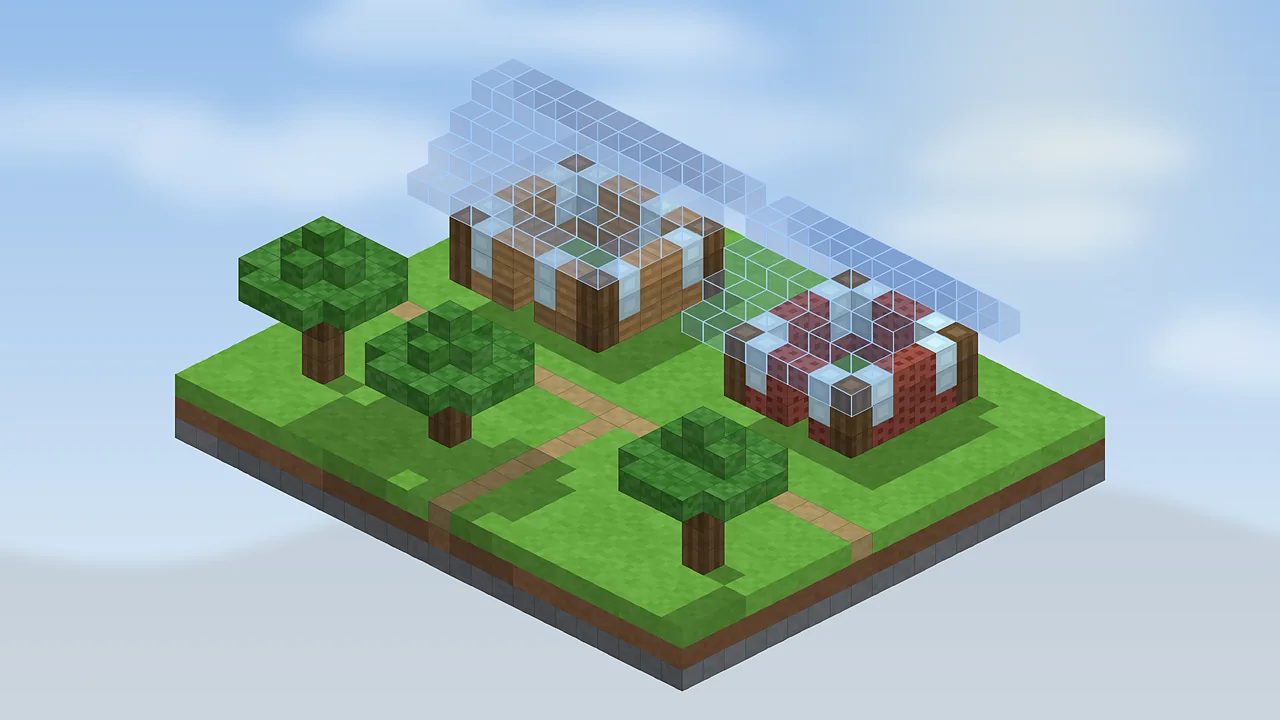
First press M + R, which toggles all rendering and is easy to hit by accident. Then check that a placement exists: loading a schematic from some menus only adds it to Loaded Schematics. Also look at render layers; if they're set to a single layer far above or below you, nothing appears nearby. Finally, disable shaders to test, since some packs hide translucent overlays.
Hotkeys don't work
Another mod may use the same key. Open Minecraft's Controls menu and look for red conflicts, or open Litematica's hotkey tab with M + C and rebind. Remember that some tool actions only work while holding the tool item.
Low frame rates
Huge placements render many extra blocks. Limit rendering to one layer or a range, unload placements you're not working on, and allocate more memory in the launcher, around 4 GB for big projects. If problems persist, report them on the official issue tracker with your log attached. For setup basics, revisit the installation guide.

Litematica Mod Editorial Team
Long-time Minecraft builders and technical players who test every guide in a clean Fabric install. About our team.