Key takeaways
- Easy Place places the schematic's block at the ghost you're looking at.
- You still need the right item in your hand.
- Check server rules before using it in multiplayer.
What Easy Place does
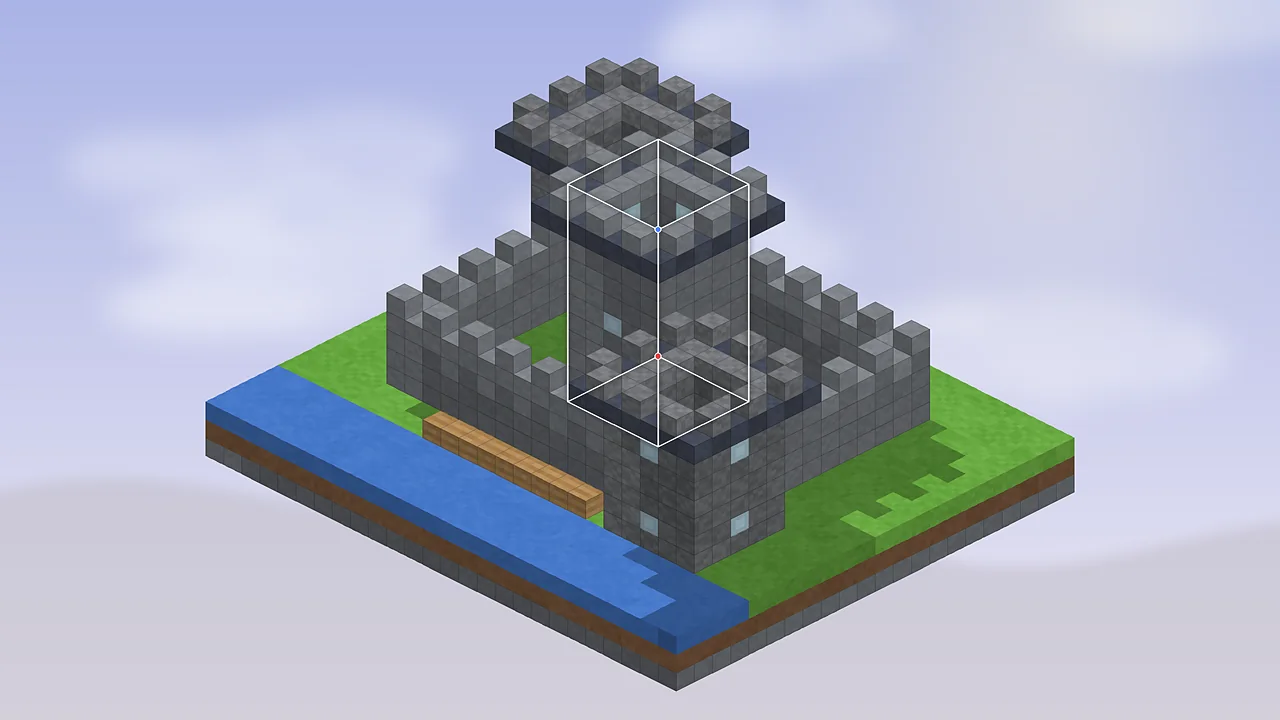
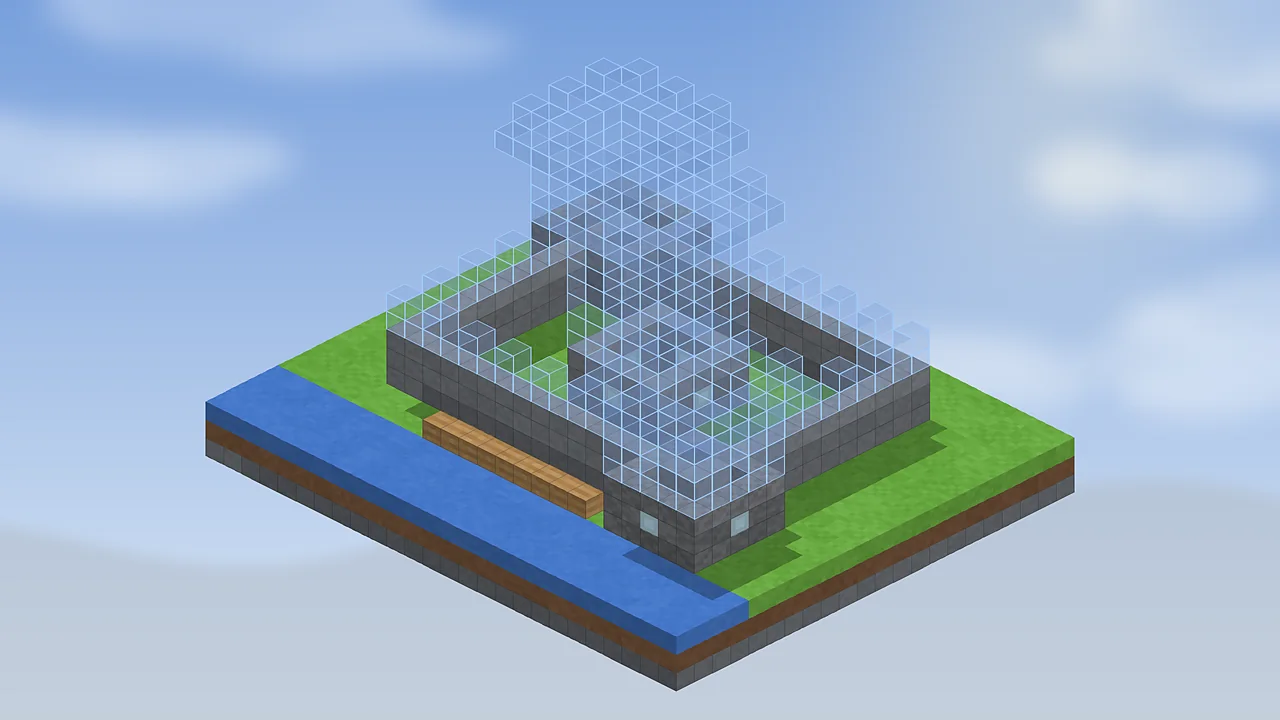
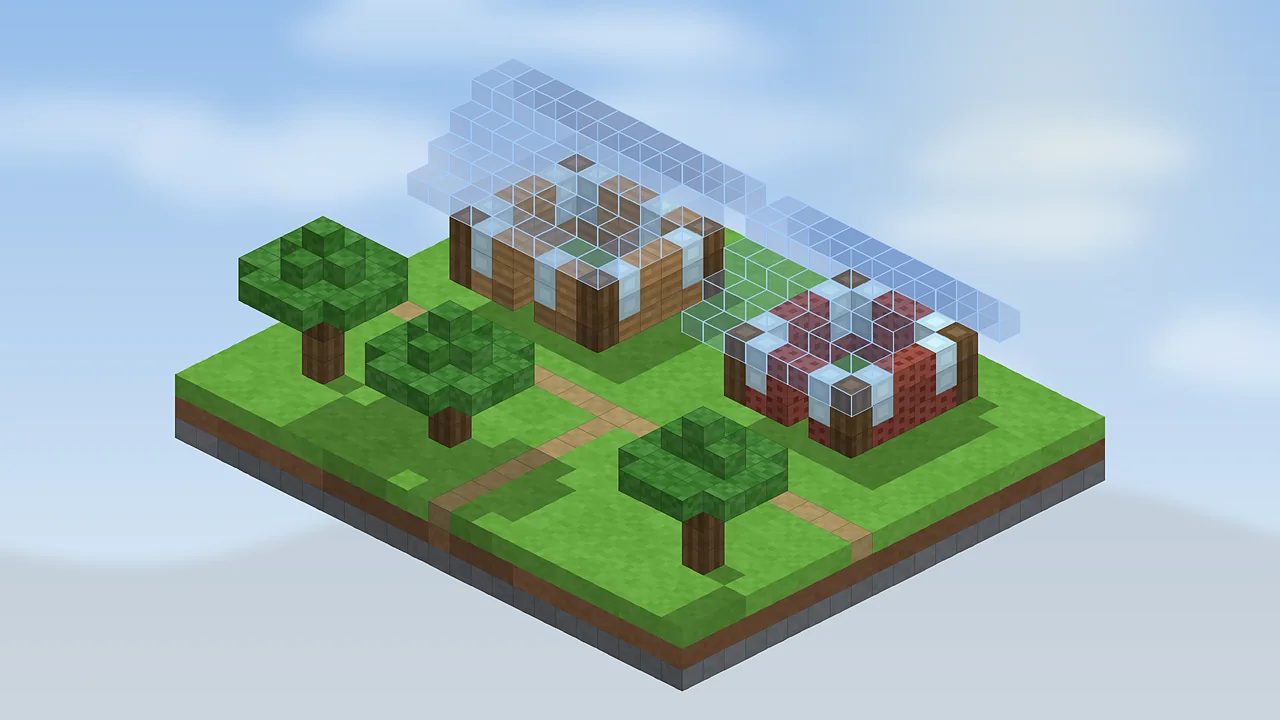
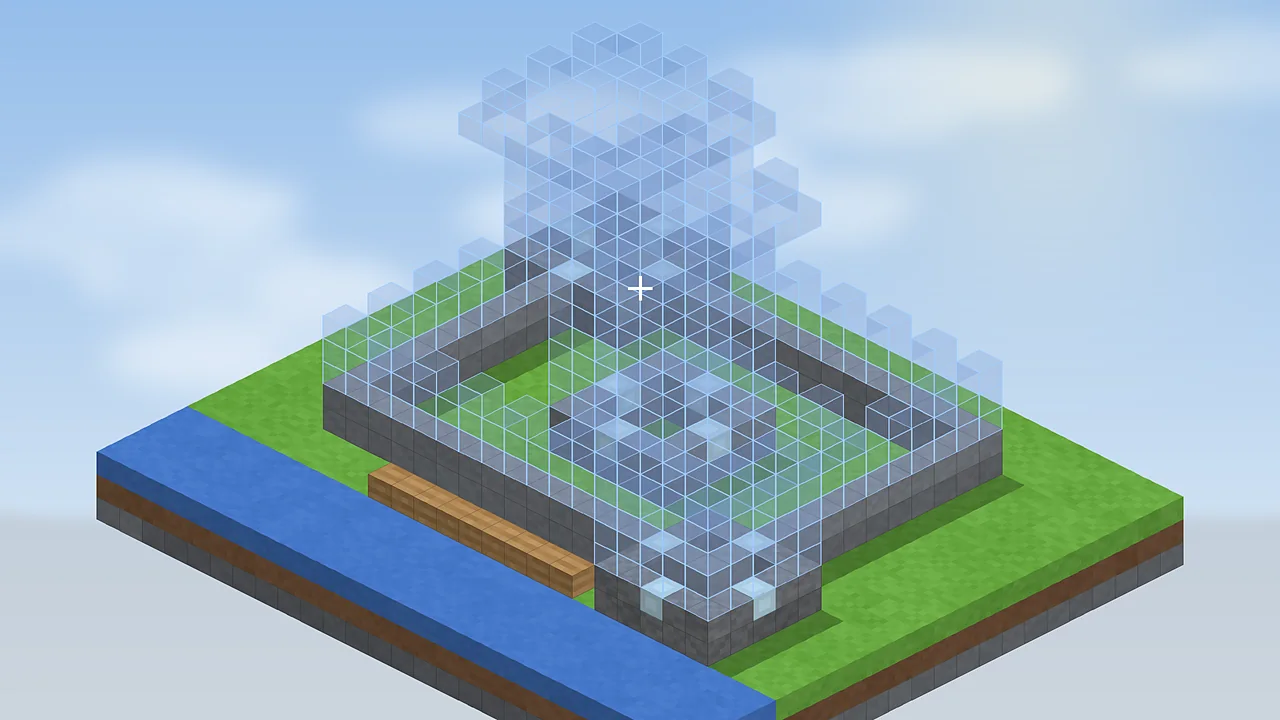
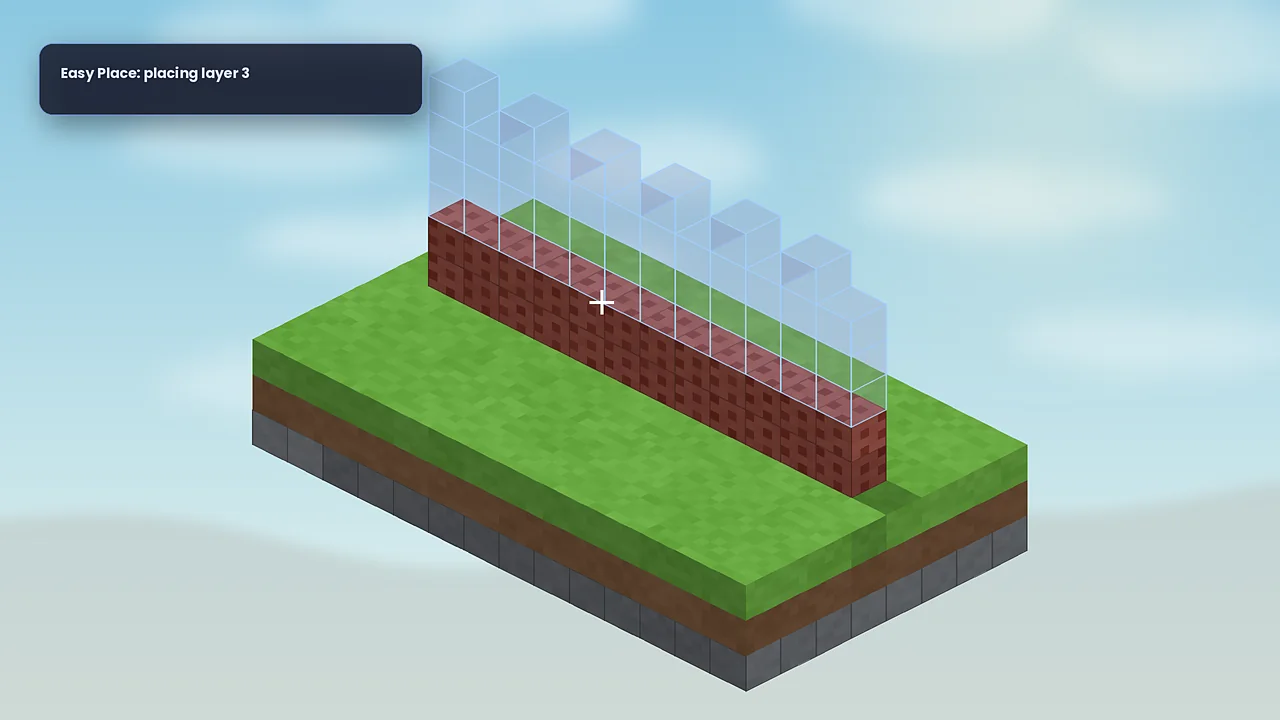
Normally Minecraft decides a block's rotation from where you stand and which face you click. That makes stairs, observers, pistons and logs fiddly to match to a plan. Easy Place mode changes the rules while you're inside a schematic placement: when you right-click a ghost block holding the matching item, Litematica places it in that exact position with the state the schematic expects.
Turn it on
Open the configuration with M + C, go to the Generic tab and set easyPlaceMode to true. You can also bind a hotkey to toggle it quickly. Many builders turn it on only for tricky sections.
Placing blocks
Hold the block the schematic needs at that spot, aim at the ghost block and right-click. If you're holding the wrong item, nothing is placed, which prevents mistakes. Work in layers: set render layers to one level, place everything there, then step up. The material list tells you what to carry.
Rotation and block states
Easy Place handles most directional blocks, top and bottom slabs and many stair shapes. Some states depend on neighbours, like fence connections, and fix themselves once surrounding blocks exist. A few blocks need more than one interaction, such as repeater delays or composter levels; the verifier highlights those in its wrong-state colour so you can adjust them by hand.
Servers and fair play
Easy Place still requires you to hold and click every block, but it changes how placement works, and some servers treat it as an unfair advantage. Separate “printer” add-ons that place blocks automatically are banned on many servers. Always read the rules, and ask staff if you're unsure. On servers with high latency, Easy Place can occasionally misplace a block; the verifier will catch it.
Tips
- Lock your placement before starting so you can't nudge it by accident.
- Use single-layer rendering to avoid clicking a ghost behind the one you meant.
- Pair it with the verifier after each session.
New to Litematica? Begin with our beginner tutorial, then come back here.

Litematica Mod Editorial Team
Long-time Minecraft builders and technical players who test every guide in a clean Fabric install. About our team.